Soft daylight in Blender 2.90 (2020)
The first of three lighting explorations. The other two can be seen here:
Evening: https://www.artstation.com/artwork/5X0zL8
Pre-dawn blue hour: https://www.artstation.com/artwork/ykZrd8
I've been learning Blender for a couple of weeks as an outlet from the limitations of real-time lighting, and I wanted to craft a scene that would let me go crazy incorporating the things I've learned in the process.
This included Cycles lighting and rendering, simple modelling + splines, material tweaking, compositing, UV editing, and doing all of the post work on the images within Blender instead of using external programs. (Blender post works well since all operations are in 32bit.)
The scene was assembled with assets made by the following talented artists on www.cgtrader.com and www.sketchfab.com:
-The foundation for the church is a building made by http://www.lucrea3d.com/
-The wall lamps were made by "salex1"
-The piano lamp was made by https://www.dekogon.com/
-The door below the green neon cross was made by "Wessex Archaeology"
-The piano was made by "notlonely" -The ceiling fan was made by "Kollan"
-The podium was made by "luis77" -The pews were made by "mkluxton"
-The light switches and sockets were made by "PatrickZhiaran"
With the exception of the smaller assets that included their own PBR materials, the scene architecture materials are all from Megascans and tweaked as needed for the render. The models were subdivided and tweaked as necessary to hold up on close inspection.
The physical sun and sky system is called "Physical Starlight and Atmosphere" and can be found here: https://gumroad.com/l/PSaA (It saves an amazing amount of time dialing things in since it's physically accurate to real-world sky behaviors.) I used a sun arc of 45 degrees(!) to soften the sunlight and used bounce "sheets" to bounce more light into the interiors to simulate a basic movie lighting setup.
Blender's own False Color exposure view mode helped me to stretch the dynamic range of the scene for poppy highlights and rich shadows without going too far in either direction.
A huge thanks to Joe Dionisio for all of his environment feedback notes in making the place feel more lived in! I keep trying to convince him to join ArtStation. The dude is a wizard of his craft.
Also to John Grello for his deep knowledge of Blender and helping me get up to speed super quickly.
https://www.artstation.com/ionic

My camera settings: Super35mm format, 9-bladed irises all at F1.3 aperture (based on Zeiss Master Primes). Focal lengths were 18mm, 32mm, 35mm, and 40mm. Above: 18mm. Render time is about 15 minutes at 4K, 1024 samples on an RTX 3090 :)
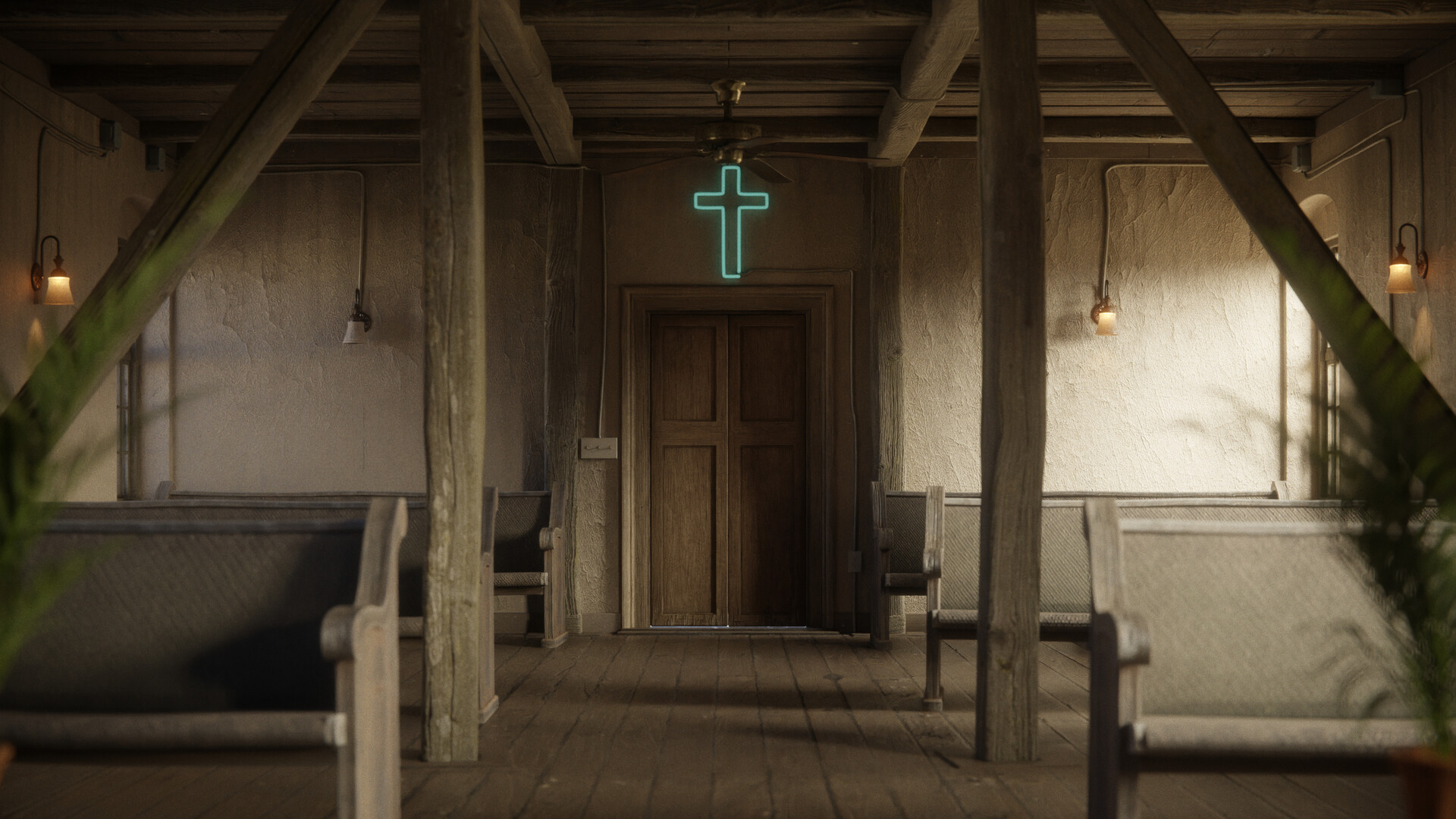
32mm

40mm

32mm
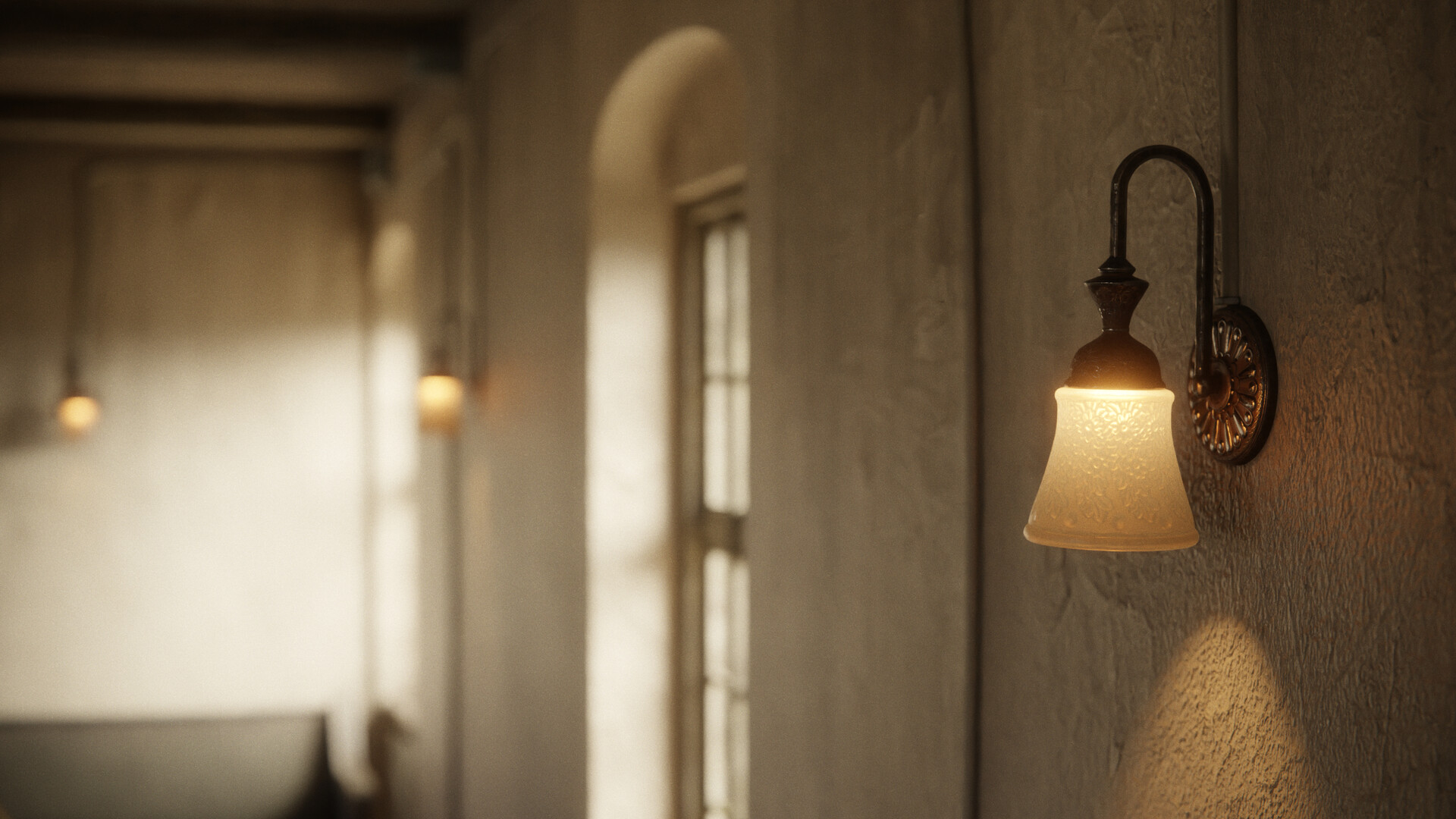
35mm. The glass shader is a mix of using the transmission attribute to allow the light through, while also using SSS to create the hazy, milk-glass look I was going for.
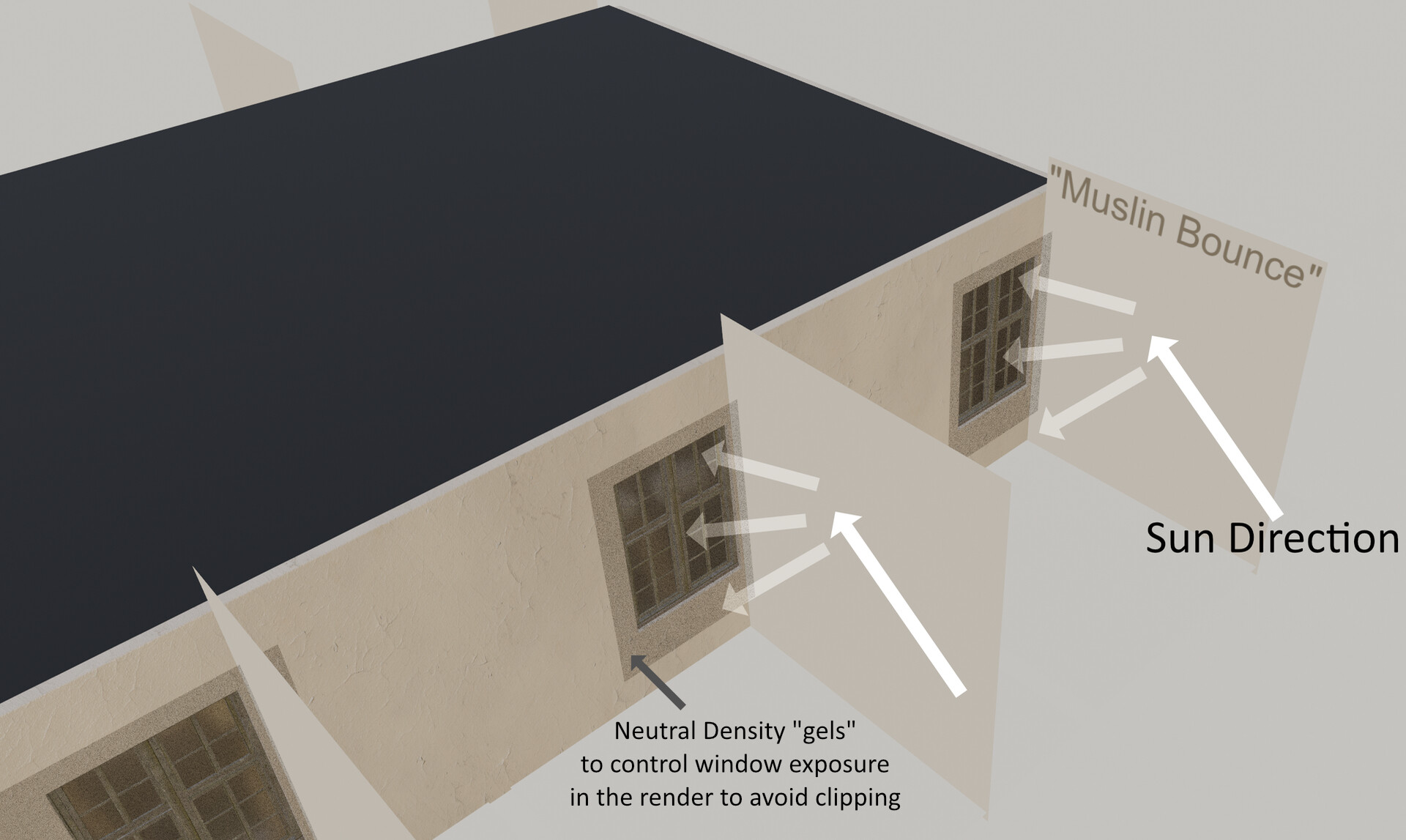
The basic setup of the bounce lighting to wrap more light into the interior and to help the floor material reflections pop. These are invisible to the camera in the render to avoid hiding the view of the sky gradient through the glass.

The compositing nodes used to denoise using Intel's denoiser, create the edge vignette, lens distortion, and grain. These all work without needing to re-render a shot, which allows for fast iteration!

The inspiration for the neon crosses and the room as a whole was this scene from the first season of True Detective.